
Probably Stolen translation mods explained: 39 Workshop language packs, Chinese and English tags, install order, font issues and quality checks.
Probably Stolen Translations: Language Mods Guide
Probably Stolen ships with eight interface languages, but the Workshop has a much larger translation scene. At the time of writing, 39 Workshop items carry the translation tag, including five tagged Chinese and four tagged English. Some are full overhauls; some are partial packs for a single menu.
This guide covers how to choose a translation, install it without breaking the UI, and check quality before you commit a run.
What the game already supports
The Steam store lists eight supported languages:
- English
- German
- Japanese
- Russian
- Simplified Chinese
- French
- Spanish
- Polish
If your language is on that list, try the official localisation first. A Workshop translation is only necessary if you want a different variant, a fan translation, or a language the game does not ship with.
What the Workshop adds
The Workshop translation tag is broader than the official list. It includes:
- Fan translations for languages outside the official eight.
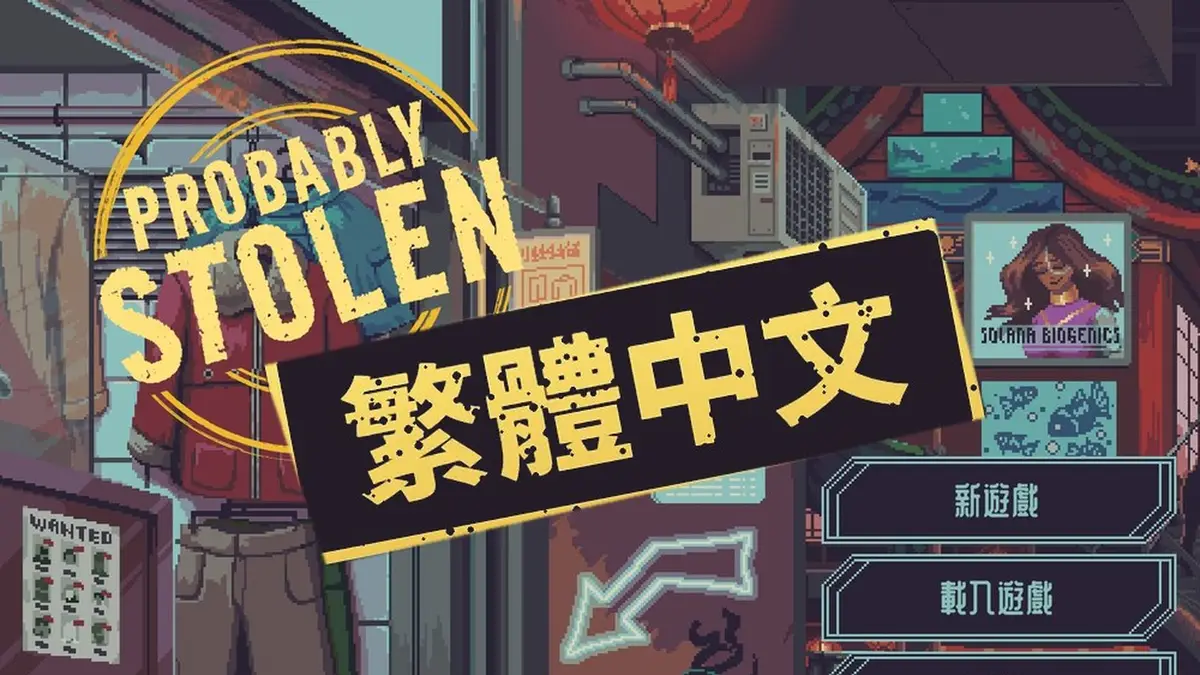
- Traditional Chinese variants.
- Partial translations for UI mods.
- Machine-assisted packs.
- Translation fixes for specific menus.
The counts overlap: a pack can be tagged translation and Chinese, or translation and English. The tags are filters, not quality labels.
| Tag | Count | Meaning |
|---|---|---|
| translation | 39 | Language packs |
| chinese | 5 | Chinese-language items |
| english | 4 | English-language items |
Choosing a translation
Check these before subscribing:
- Game version. A pack made for an older build may miss new UI strings.
- Coverage. Does it translate the whole game or only the shop menus?
- Source language. A translation from English is usually more accurate than a chain translation.
- Last updated. New patches add text; old packs lag.
- Screenshots. The mod page should show actual in-game text.
- Comments. Look for missing-glyph or blank-text reports.
A translation with 100 subscribers and a recent update can be better than a popular pack that has not been touched since launch.
Install order
Translations should load after the UI mods they translate. If a UI mod adds a new panel and the translation loads before it, the panel may stay in the original language.
A practical order:
- Loader or core library.
- Gameplay mods.
- UI mods.
- Translation mods.
- Cosmetic mods.
If the translation includes its own font, install it after other UI mods so the font is not overwritten.
Font and glyph problems
The most common translation bug is a missing glyph: a character shows as a box, a question mark, or blank space. This happens when the font does not include the character set.
Fixes:
- Use the font included with the translation.
- Remove a UI mod that replaces fonts.
- Check whether the pack requires a font dependency.
- Test a single menu before playing a long session.
Chinese, Japanese, and Korean text is especially sensitive to font coverage. A pack that works in the main menu can still fail in item tooltips.
The tooltip uses more text than the menu. If the translation survives the tooltip, it is likely to survive the rest of the UI.
Machine translation vs fan translation
Machine-assisted packs can be complete and still read badly. Look for:
- Consistent item names.
- Correct game terminology (appraisal, module, buyout).
- No untranslated English fragments in the middle of a sentence.
- No mixed languages in the same menu.
A fan translation may be partial but more readable. Coverage and quality are different axes; decide which matters more for your run.
Translation and UI mods
UI mods that add new labels will not be translated unless the translation pack explicitly supports them. This is the most common compatibility gap.
If you use Item Details, Reputation Pop, or another UI mod, check whether the translation covers that mod. If not, expect mixed-language screens.
Do not install two translation packs for the same language. They will overwrite each other, and the result may be a mix of both.
Translation and gameplay mods
Gameplay mods add items, recipes, and dialogue. A translation that only covers the base game will leave the new content in English. That is usually acceptable, but it can be confusing in a chemistry or brewing overhaul.
If you play with a large gameplay mod, look for a translation that mentions it.
How to uninstall a translation
- Unsubscribe on the Workshop.
- Disable the pack in the game or loader.
- Restore the original font if the pack replaced it.
- Verify the game files if text is still missing.
- Load a save made before the change if the UI is broken.
Translations rarely affect save data, but a font replacement can persist after unsubscribe. Check the game folder for leftover font files.
FAQ
How many translation mods are there? 39 items carry the translation tag in the 2026-11-02 snapshot.
Does the game support Chinese? Yes, Simplified Chinese is an official language. Traditional Chinese variants are available through the Workshop.
Why is some text still English? The pack is partial, or a UI mod added text the translation does not cover.
Can I use two translations at once? No. They overwrite each other. Use one pack per language.
Community source: Steam Workshop ↗, Workshop translation tag and item pages (2026-11-02), and the Steam store page ↗. Workshop example: Traditional Chinese translation ↗.
Related
More Probably Stolen Guides
A complete Probably Stolen chemistry guide: blender loss, heating plate temperatures, chem finisher contamination, purity tiers and machine module math.
Probably Stolen chemistry recipes with temperatures, yields, purity targets and machine notes for Dream Dust, Nightmare Dust, caffeine and Phanta.
How crime, suspicion, wanted bounties, security records, fixers, and raids work in Probably Stolen, plus how to keep contraband out of a search.
How Probably Stolen customers work: lower and upper level buyers, security, black market, haggling, special requests, and how to match stock to demand.
Probably Stolen difficulty explained: Price Gouge, Mark Up and Thin Margins modifiers, rent increases, permit costs, reputation multipliers and Endless Mode.
How to lay out a Probably Stolen shop: display cases, counter flow, attractiveness, theft risk, storage placement and the best use of limited floor space.
Probably Stolen endings explained: the shop buyout win, the end-of-run stats screen, failure states, Endless Mode and what carries into a new run.
Step-by-step Probably Stolen mod installation: subscribing on Steam Workshop, enabling mods, load order, manual installs, updates, backups and uninstall.